
Everything in Vanta
Features are grouped by category, the same way they appear in the in-game menu.
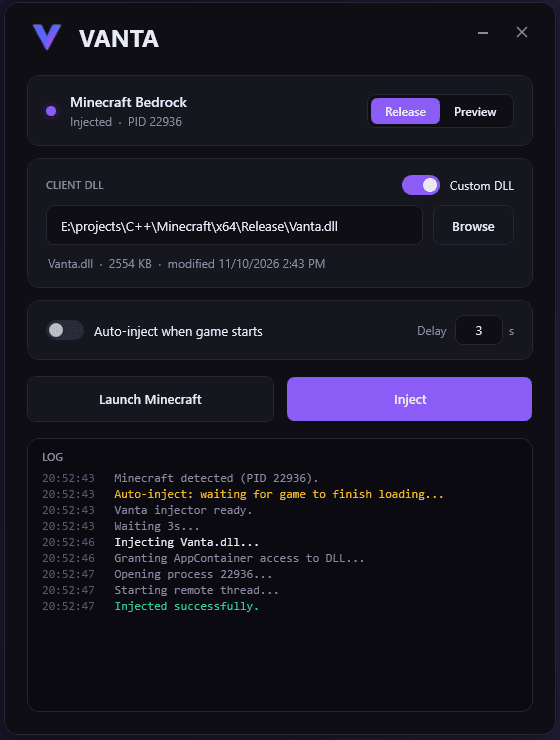
Loading
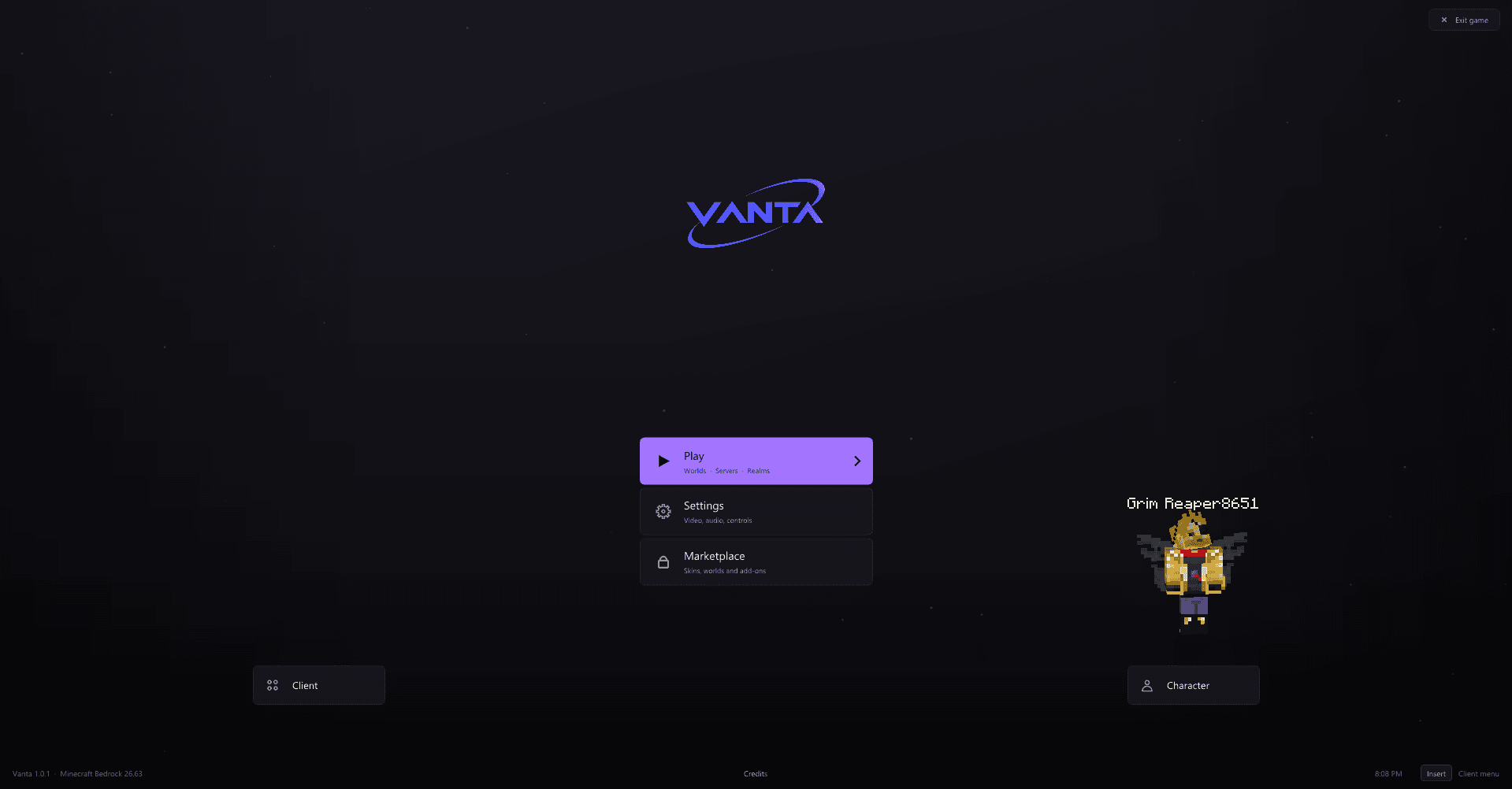
See it in use
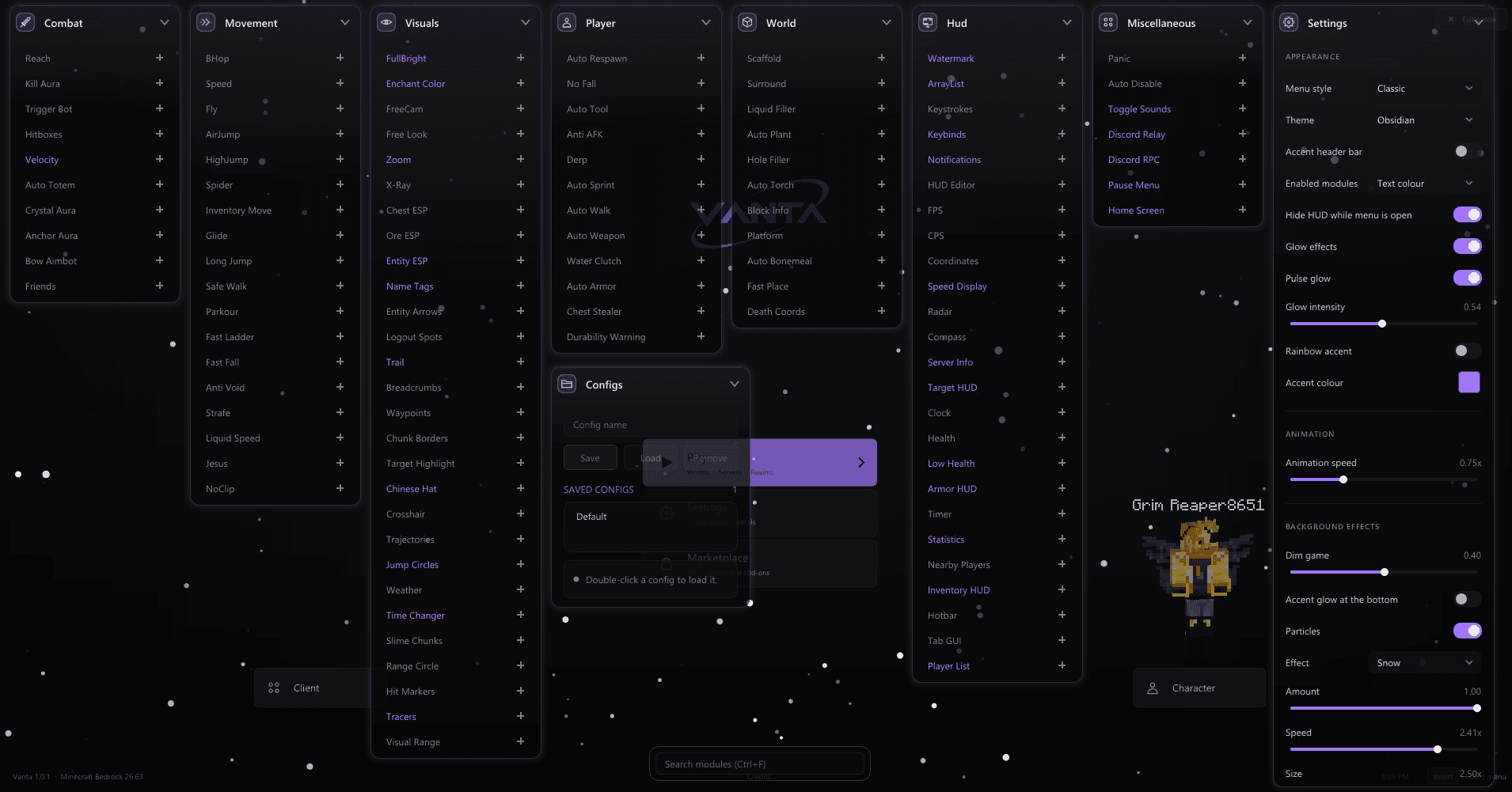
Features are grouped by category, the same way they appear in the in-game menu.
Reach, Kill Aura, Trigger Bot, Hitboxes, Velocity and more
Speed, Fly, BHop, Safe Walk, Parkour and more
FullBright, Zoom, Entity ESP, Name Tags, Tracers and more
Auto Tool, Auto Sprint, Auto Armor, Chest Stealer and more
Scaffold, Surround, Auto Plant, Fast Place and more
Watermark, ArrayList, Keystrokes, Coordinates, Armor HUD and more
Friends, Discord RPC, Durability Warning, Toggle Sounds and more
Save, load and remove named configs from the in-game menu.
Switch menu style, theme and accent colour, with optional glow and particle effects.